

Read less - understand more.
High-quality reading tools at a fair price.
Read without distractions
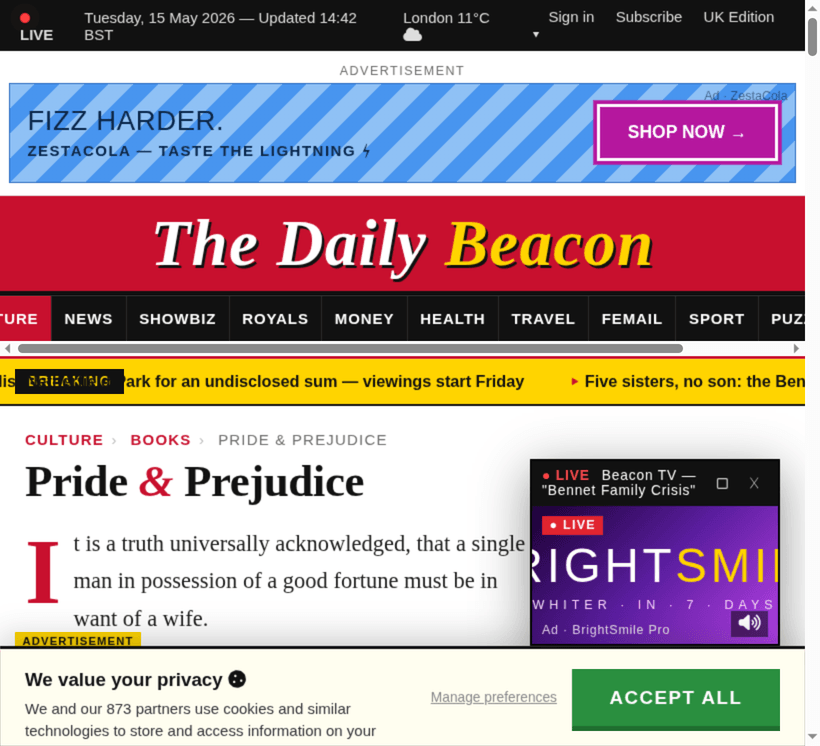
A calmer reading experience which removes banners, pop-ups, ads, promotions, related-articles, etc. Focus on the content - and get more out of your reading.
Make it just right for you.
Adjust the layout
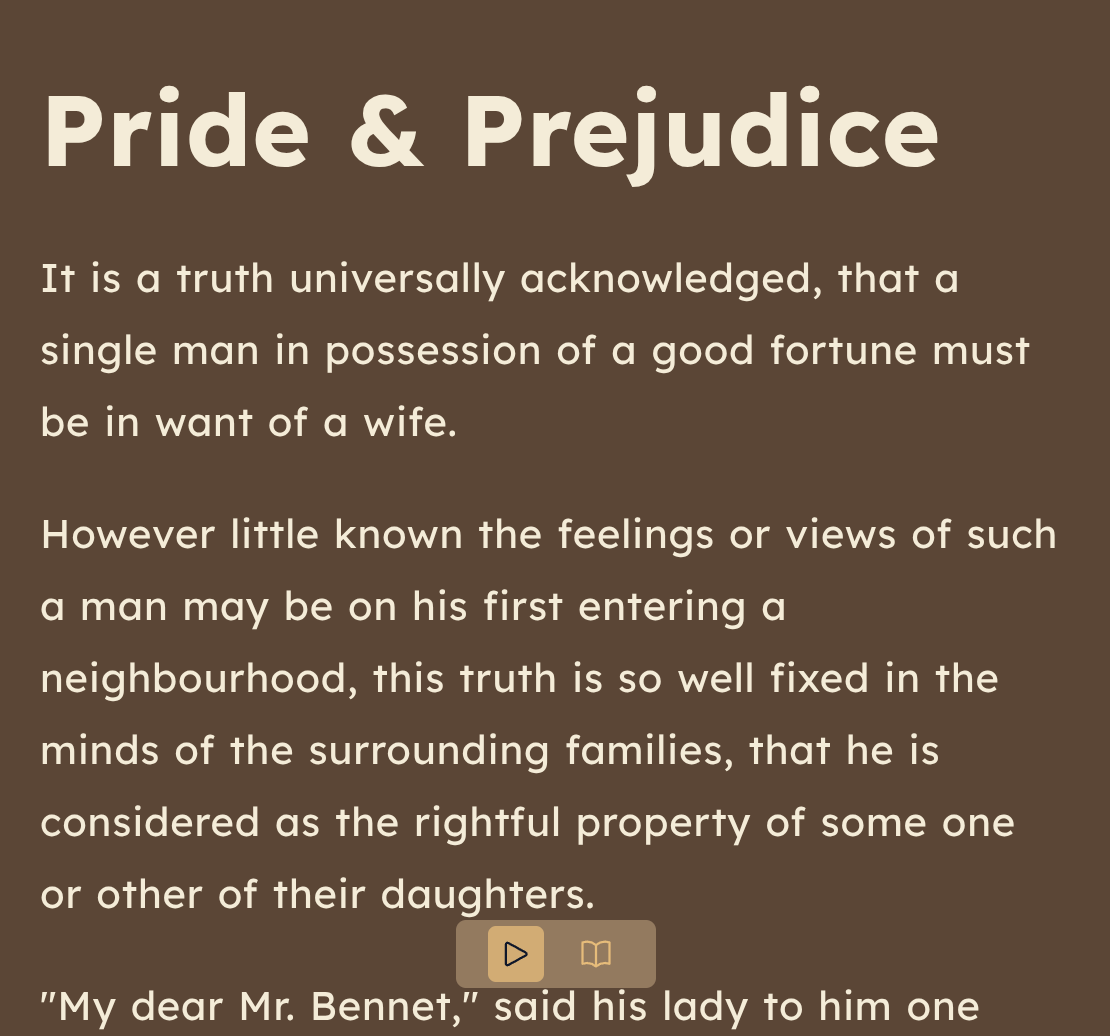
Fine-tune immersive mode to your preference - with a choice of color theme, font, size, line height, characters per line, and character spacing.
Listen at your own pace
Read at the speed that suits you - up to 2x speed, or down to a slow ramble. Adjust pitch to taste.
Saved voices per site, per language
One voice for The Financial Times, another for The Guardian - and a third for anything in French.
Follow along as you read
Per-sentence and per-word highlighting that help you keep track of what you're listening to - or disable them if you prefer.
State-of-the-Art voices that sound like real people.
720+ voices from 5 providers, covering 83 languages and 161 regional accents - plus a curated shortlist to avoid getting lost in choice.
One small monthly fee. No investor targets to meet, no celebrity endorsements to pay for.
We took no venture capital (VC) money, so there's no aggressive growth targets and no marketing spend propped up by your subscription. Just a single, low price that pays for the voices and the people working on Maylo.
Up to 4 hours reading a day, 40 hours a month.
- Every voice, every language
- All reading tools, including immersive reader
- 3-day free trial — cancel anytime, in three clicks


Maylo is a small, independent business. The price won't quietly creep up to please a board of investors, because there isn't one.
Reading should meet you where you are.
In immersive mode, all design choices are intentional - and where possible, based on research as well as aesthetics. Every choice is customisable, so it can be tailored to you.
Research-backed fonts
Choose from a subset of fonts selected for readability - including Lexend and Atkinson Hyperlegible, designed based on research into legibility and accessibility. Lexend designed by educational therapist Dr. Bonnie Shaver-Troup and Google; Atkinson Hyperlegible designed by the Braille Institute and Applied Design Works
Research-backed colour schemes
Select from calming foreground and background pairings proven to improve reading performance. Cream, sepia, soft blue and peach — all chosen against published guidance for reducing visual stress. Colour schemes based on research by Jeffrey Bigham
Listen and follow along
Sentence and word highlighting provide a second channel of attention - one less chance to drift.
Your reading is yours.
The pages you read are between you and the people who wrote them. We don't build a profile, and we don't sell anything to anyone.
- No tracking pixels, no third-party analytics
- Article text is sent to the voice engine, then discarded
- Account deletion wipes everything, immediately
Works with any Chrome-based browser.
If it can run a Chrome extension, Maylo runs on it. One install, every browser you use.




Get started in three minutes.
-
1
Add the extension
Install Maylo from the Chrome Web Store. Pin it to your toolbar so it's one click away.
-
2
Start your free trial
Three days, every feature. Stop reading any time before day four and you won't be charged.
-
3
Subscribe for $5 a month
If you're still reading on day four, that's all we ask. Up to 40 hours of listening included per month; pay-as-you-go beyond.
Billing by stripe · Cancel in three clicks -
4
Hit play, anywhere
Open any article. The toolbar floats in the corner, the words light up, and your eyes can rest.
The Maylo app really helped me prepare for my mid-term exams — I could listen to my reading list on the bus instead of squinting at PDFs at midnight. Thanks Maylo!
Read less - understand more.
Three days free. Five dollars a month after that. Cancel any time.
Add Maylo to Chrome